

Transcripts: View an Unofficial Transcript
Last edit date: 7/15/2025
Purpose: This guide provides instructions for students to view and download their unofficial transcript from the Academic History card in RamPortal.
| Contents |
|---|
| Navigation |
| View Your Unofficial Transcript |
NAVIGATION
- Login to Ramportal using your WCU Single Sign On (SSO).
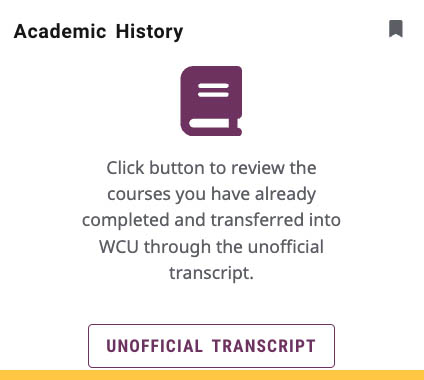
- Locate the Academic History card on your home page and select the Unofficial Transcript button. For help with finding cards, visit Home Page Navigation: A Guide to the RamPortal Home Page.
VIEW YOUR UNOFFICIAL TRANSCRIPT
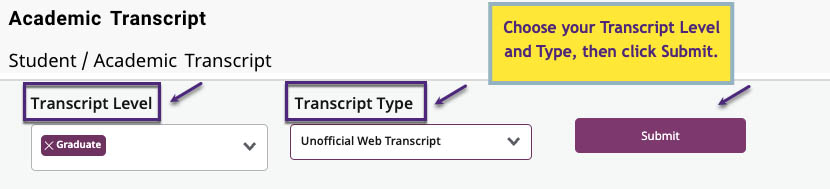
Once the Academic Transcript page loads:
- Choose the Transcript Level (i.e., Undergraduate, Graduate).
- Choose the Transcript Type (Unofficial Web Transcript).
- Click Submit.
- Your unofficial transcript will load on the page.
- Note: Some holds prevent students from accessing transcripts. Check the Holds card on your RamPortal home page for more information.
- To save or print a copy of your unofficial transcript, cick the Print icon in the upper right corner.
For support, please submit an AES Support Portal ticket.